How To Reset Winix Air Purifier
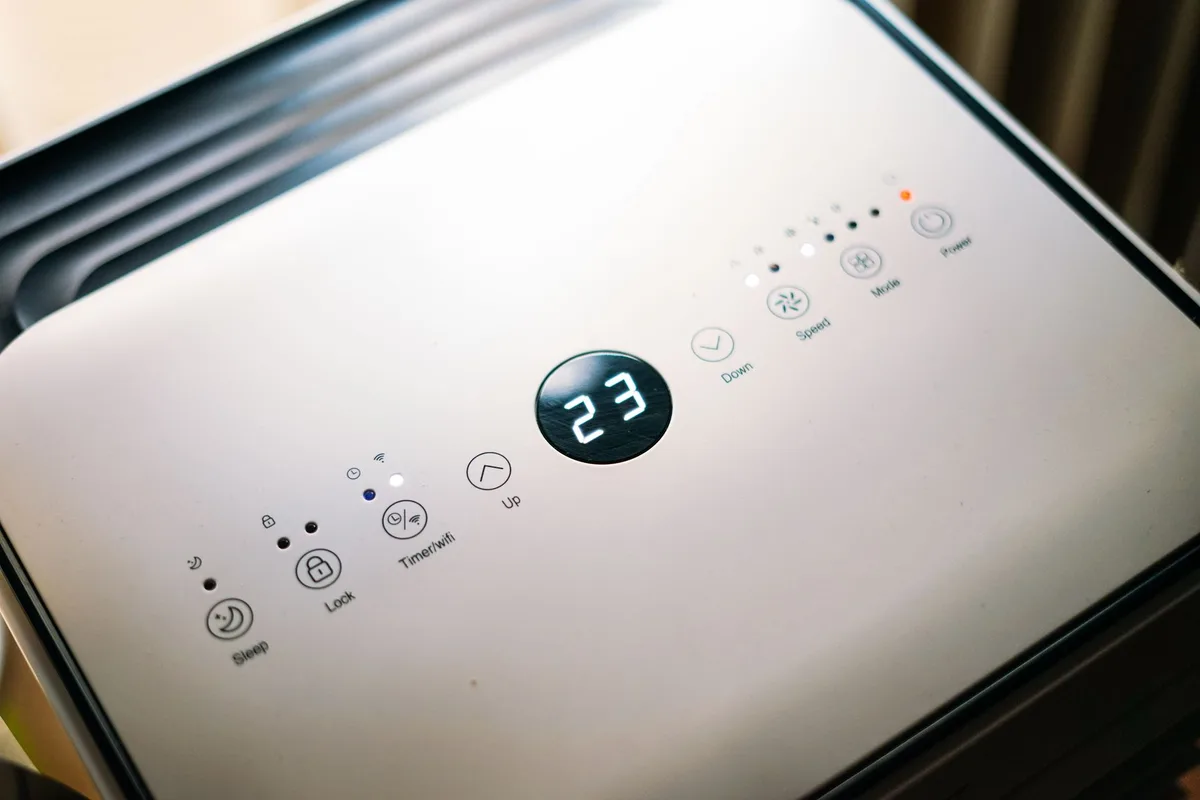
Your Winix air purifier runs quietly in the corner, cleaning your air day after day. Then one day the filter light blinks red. Or the unit stops responding.
Or you swap in a new filter and nothing changes. That’s when you need to know exactly how to reset a Winix air purifier.
I’ve helped dozens of people through this exact situation. It’s simple once you understand the logic behind the reset. In this guide I’ll walk you through every method, every model variation, and every troubleshooting step.
No fluff. No guesswork. Just clear, actionable instructions.
Why You Might Need to Reset Your Winix Air Purifier
Resetting isn’t something you do every week. It’s an infrequent but important maintenance step. Here are the most common reasons:
- After replacing the filter, The filter replacement light stays on until you reset it. The purifier doesn’t know you swapped the filter; you have to tell it.
- After a power surge or outage, The electronics can glitch. A reset clears the cobwebs.
- When the unit behaves erratically, Buttons don’t respond, the fan won’t change speed, or the display shows nonsense. A reset often fixes this.
- After cleaning the permanent filter, Some Winix models use a washable pre-filter. If you clean it, you may need to reset the timer.
Each scenario uses the same core process, but the exact steps vary slightly by model. I’ll cover the most popular ones below.
Understanding the Reset Process
The Winix reset button isn’t a physical switch you flip. It’s usually a combination of button presses or a dedicated recessed button on the control panel. The goal is to clear the microprocessor’s memory of the old filter timer and let it start fresh.
Think of it like restarting your phone when an app freezes. The hardware is fine; the software just needs a nudge.
Step-by-Step: How to Reset a Winix Air Purifier
Let’s get to the meat of it. Follow these instructions in order. They work for the vast majority of Winix models sold in the last decade.
Locate and Press the Reset Button
Most Winix air purifiers have a small reset button recessed into the control panel. It’s usually labeled “Reset” or marked with a tiny circular arrow. You’ll need a paperclip, a pen tip, or a similar narrow object to press it.
Here’s what to do:
- Turn the unit on. Press the Power button so the purifier is running.
- Find the reset hole. Look on the front control panel, near the fan speed buttons. On some models (like the 5500-2 and 5300-2) it’s a tiny pinhole just above the “Check Filter” light.
- Insert the paperclip. Gently push it into the hole until you feel a click. Hold it for about 3 seconds.
- Release. The filter light should go off or change color. That’s your confirmation.
If you don’t see a pinhole, your model might use a different method. Keep reading.
Alternative Reset Methods
Some newer Winix models skip the pinhole entirely. Instead they use a button sequence on the control panel. Try this if you can’t locate a reset hole:
- Press and hold the “Filter Reset” button (if your panel has one) for 3 seconds.
- On models without a dedicated reset button, press and hold the “Speed” or “Mode” button for 5, 10 seconds until the filter light blinks or turns off.
- Unplug the unit for 30 seconds, then plug it back in. This isn’t a true reset for the filter timer, but it can clear temporary glitches.
I’ve found that the unplug method works best for power-surge issues. For filter replacement, you almost always need the button press.
Common Winix Models and Their Reset Procedures
Winix has sold dozens of models over the years. The good news is that the reset logic is nearly identical across the family. The bad news is that the button locations shift around.
Here are the specific steps for the most popular models.
Winix 5500-2
This is one of the best-selling models. It has a classic design with a front control panel.
- Reset button location: Top edge of the control panel, just above the “Check Filter” indicator. It’s a small recessed hole.
- Procedure: Turn unit on. Use a paperclip to press and hold the reset button for 3 seconds. The “Check Filter” light turns off.
- Notes: If the light stays on, unplug for 30 seconds and try again. Some units require the fan to be on the lowest speed setting.
Winix 5300-2
Very similar to the 5500-2. Same chassis, same controls.
- Reset button: Same recessed hole above the filter light.
- Procedure: Same as 5500-2. Press with paperclip for 3 seconds.
- Tip: The 5300-2 has a “Cleanable Pre-Filter” indicator that also needs resetting after washing. That one resets automatically after the unit runs for 10 hours, but you can also trigger it by pressing the pinhole reset twice in a row.
Winix 5450
This model has a more modern touch panel. There’s no pinhole.
- Reset button: None. Instead, press and hold the “Fan Speed” button for 6 seconds.
- Procedure: With the unit on, press and hold the Fan Speed button until the filter light blinks and then goes solid again. Release. The light should turn off.
- Alternative: If that doesn’t work, press and hold the “Power” button for 10 seconds. The unit will restart, and the filter timer resets.
Winix 9500
The larger unit uses a combination of physical buttons on the top panel.
- Reset button: Look for a small button labeled “Filter Reset” next to the display. It’s a physical button, not a pinhole.
- Procedure: Press and hold the “Filter Reset” button for 5 seconds. The display will show “RST” briefly. The filter light goes out.
- Common pitfall: If you press too quickly the unit ignores you. Hold steady for a full 5 count.
Winix HR900 and HR1000
These are the newer “series 900” and “1000” units with Wi‑Fi capability.
- Reset button: No physical reset button. Use the control panel.
- Procedure: Press and hold the “Plasma/Wave” button and the “Timer” button simultaneously for 8 seconds. The display will flash “F” for filter reset.
- Alternative: Through the Winix Smart app, navigate to Settings > Filter Reset. That’s the software reset.
Troubleshooting When Reset Doesn’t Work
Sometimes you press the button, hold it, and nothing happens. Don’t panic. Here’s a systematic checklist.
1. Check the power.
Is the unit actually on? The reset function usually requires the fan to be running. If the purifier is off, the control panel might ignore button presses.
2. Use the right tool.
A paperclip is ideal. A toothpick is too fat. A thumbtack can work, but be gentle, you don’t want to damage the switch inside.
3. Hold longer than you think.
I’ve seen people tap the reset button and expect it to work. It needs a sustained press, 3 to 8 seconds depending on the model. Count slowly.
4. Unplug for a full minute.
A hard reset (power cycle) clears transient memory. After plugging back in, try the reset procedure again. This solves about 80% of “stuck” reset situations.
5. Replace the filter first.
If you’re trying to reset because the light is on, but you haven’t actually changed the filter, the unit may refuse. Winix doesn’t let you cheat the timer. Put in a fresh filter, then reset.
6. Look for a second reset.
Some models have two separate timers, one for the pre-filter and one for the main filter. You might have only reset one. Check both lights.
7. Contact Winix support.
If everything fails, the internal electronics may have a fault. Winix customer support can walk you through advanced diagnostics. You can find their contact details on the official Winix website.
Cleaning and Replacing Filters
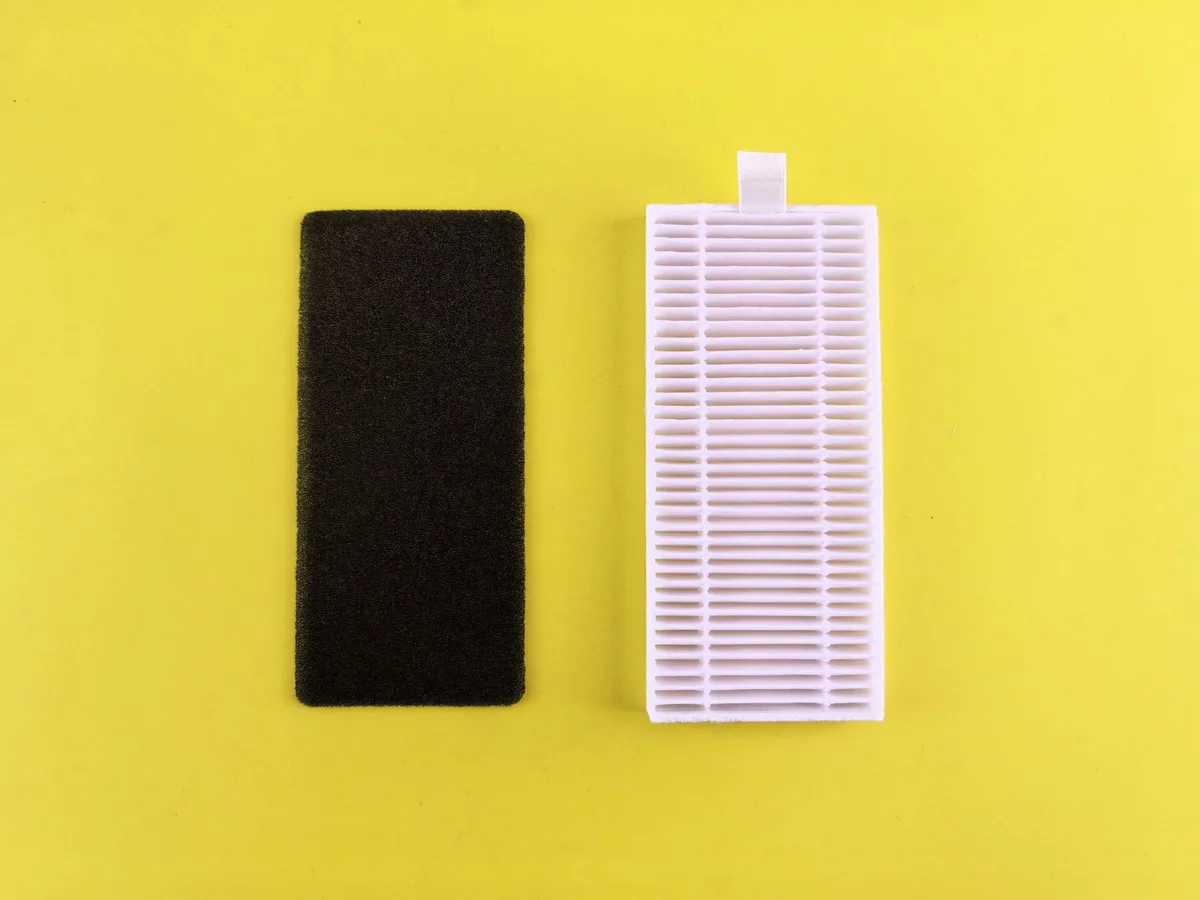
A reset is meaningless if your filter is clogged with dust. Resetting the timer without actually cleaning or replacing the filter is like turning off your check engine light without fixing the car. It won’t help the air quality.
Here’s the right order:
- Turn off and unplug the unit.
- Remove the front grate. Most Winix models have a simple latch at the bottom.
- Take out the pre-filter. This is the mesh screen at the front. If it’s washable, rinse it under warm water. Let it dry completely before reinstalling.
- Replace the main filter. The rectangular cartridge slides out. Dispose of the old one. Insert a new Winix genuine filter (compatible third-party filters work too, but stick with genuine for best fit).
- Remove the plastic wrap. Yes, some people forget to peel the packaging off the new filter. That’s a rookie mistake, but we’ve all done it.
- Reassemble the unit. Snap the grate back on.
- Plug in and turn on.
- Now reset the timer using the instructions above.
The U.S. Environmental Protection Agency recommends replacing HEPA-type filters every 6 to 12 months depending on usage and air quality. Winix’s own guidelines suggest every 12 months for the main filter and every 3 months for the pre-filter cleaning.
Resetting the Filter Replacement Light
The filter replacement light is the most common reason people search for “how to reset Winix air purifier.” Let me make this crystal clear.
The light is a timer, not a sensor. It doesn’t measure the actual dirtiness of your filter. It simply counts hours of fan runtime.
Once you’ve logged about 2,500 hours (roughly 12 months of daily use), the light turns on. The only way to turn it off is to perform the reset procedure.
So here’s the golden rule: reset only after you’ve actually serviced the filter. If you reset without replacing the filter, the light will stay off for another 2,500 hours, but your air quality will degrade steadily. You’ll breathe dirty air without any warning. Don’t do that.
Additional Tips for Maintaining Your Winix Air Purifier
A well-maintained purifier runs longer, quieter, and more efficiently. Here are some pro tips that go beyond the reset button.
Vacuum the pre-filter monthly. Use a brush attachment on your vacuum cleaner to pull dust off the mesh. This extends the life of the main filter.
Keep the intake clear. Don’t place the purifier against a wall or behind furniture. It needs at least 12 inches of clearance on all sides for proper airflow.
Replace the main filter on schedule. Mark a calendar reminder 12 months from your last change. When the reminder pops, order a new filter immediately.
Wipe down the control panel. Dust can accumulate on the touch-sensitive buttons of newer models, causing false inputs or unresponsiveness. A dry microfiber cloth works fine.
Avoid using the PlasmaWave feature near pets. Some owners report it can irritate animals. If you have a hamster, bird, or cat, consider running the unit without PlasmaWave during certain times.
Check for error codes. Some Winix models display error codes like “E1” or “E2”. These usually indicate a fan motor issue or sensor failure. Resetting doesn’t fix hardware problems.
You’ll need to contact Winix support for a repair or replacement.
Frequently Asked Questions About Resetting a Winix Air Purifier
What does the “Check Filter” light mean?
It means the timer has reached 2,500 hours of operation. Change or clean the filter, then reset.
Can I reset without a paperclip?
Yes, if your model uses a button sequence instead of a pinhole. If it has a pinhole, you can use a SIM card ejector tool, a thin sewing needle, or a straightened paperclip. Be gentle.
Will a power outage reset the filter timer?
No. The timer is stored in non-volatile memory. A power cycle won’t erase it.
You have to manually reset.
Why does the filter light turn back on after a few hours?
You may have only reset one of the two timers (pre-filter and main filter). Check both lights. Also, if you didn’t actually replace the filter, the unit might detect high resistance and relight the indicator.
Is it safe to use the purifier without resetting?
Yes. The purifier still works. The light just reminds you to service the filter.
Ignoring it doesn’t harm the unit, but it reduces air cleaning efficiency.
Does resetting void the warranty?
No. Resetting is a normal user maintenance procedure outlined in the owner’s manual.
Can I use a third-party filter and still reset?
Yes. The reset function is independent of the filter brand. Just ensure the replacement filter fits snugly.
Final Thoughts on Resetting Your Winix Air Purifier
Resetting a Winix air purifier isn’t complicated, but it requires the right sequence and a bit of patience. Once you know your model and the exact method, the process takes about 10 seconds. The most common mistake is rushing, either not holding the button long enough or forgetting to turn the unit on first.
Keep this article bookmarked for the next time that red light appears. You’ll know exactly what to do: check the filter, service it, press the reset, and breathe clean air again.
For official support resources, visit the Winix support page. For general indoor air quality guidelines, the EPA’s guide on air cleaners is a solid reference.
Now go reset that purifier and enjoy the fresh air.


Similar Posts