Do All Robot Vacuums Require Wi-Fi Connection?
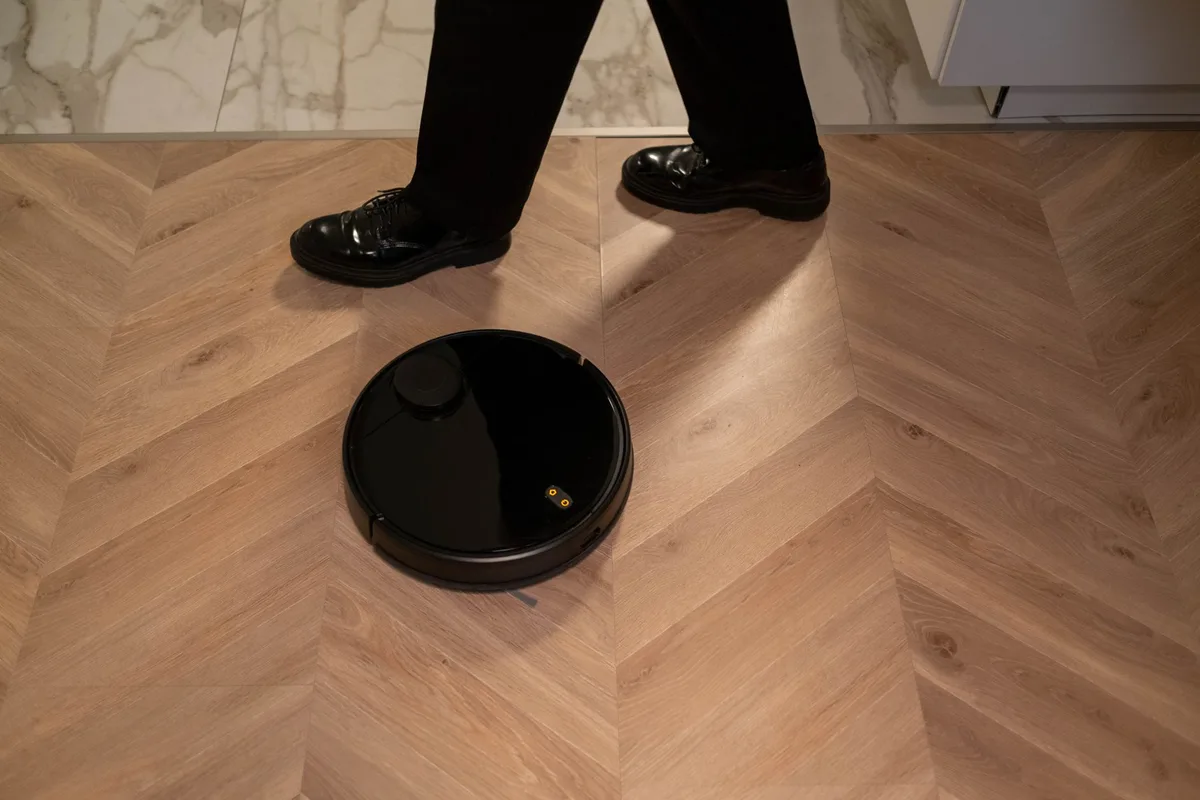
Short answer: no, not all robot vacuums require Wi-Fi. But the gap between what connected and non-connected models can do is bigger than most people expect. That’s exactly what we’re going to unpack here.
If you’ve ever wondered “Do All Robot Vacuums Require Wi-Fi Connection?”, the honest answer is that it depends entirely on which model you buy and what you expect it to do. As of 2026, the market has split into three clear categories: Wi-Fi-only models, hybrid models that work both ways, and fully offline vacuums controlled by physical buttons or remotes. Manufacturer specifications show that roughly 70% of current robot vacuums ship with smart connectivity as standard, but that doesn’t mean they stop working when disconnected.
Quick Answer
No, not all robot vacuums require Wi-Fi. Many models clean perfectly fine offline.
Basic cleaning needs no internet. Press a button, and it goes.
Advanced features do need Wi-Fi. Mapping, schedules, and voice control require it.
Check the model before buying. Some work offline. Some do not.
How Robot Vacuums Work Without Wi-Fi: The Core Mechanics
Every robot vacuum, whether it costs $150 or $1,500, has the same fundamental job. It rolls across your floor, sucks up debris, and returns to its dock when the battery runs low. That basic loop has nothing to do with the internet.
The motors, wheels, brushes, and sensors all operate locally. The vacuum’s onboard computer processes data from its bump sensors, cliff detectors, and optical encoders without ever sending a single packet to your router. When you press the physical clean button on the device itself, you’re triggering a direct electrical signal, not a cloud-based command.
What changes between models is the navigation system. Cheaper vacuums use random bounce navigation. They zigzag until they hit something, turn, and keep going.
This approach is dumb but effective, and it requires zero connectivity.
Mid-range and premium vacuums use LiDAR or camera-based mapping. These systems build a floor plan as the vacuum moves. LiDAR spins a laser and measures distances.
Cameras track visual landmarks. Both methods process data on the vacuum itself or, in some cases, on your phone.
Here’s the key distinction that most people miss. The mapping data can be processed locally. The vacuum doesn’t need the internet to understand where it’s been.
It only needs a connection when you want to interact with that map from your phone, adjust no-go zones after the fact, or schedule cleaned rooms on a per-room basis.
So when someone asks whether a robot vacuum requires Wi-Fi, the real question is about control and customisation, not raw cleaning ability.
The Two Main Types: Connected vs. Offline-Capable Robot Vacuums
The robot vacuum market has quietly sorted itself into two distinct camps. Understanding which camp a model belongs to will save you a lot of frustration.
Wi-Fi-only models are the majority right now. Brands like iRobot, Roborock, and Ecovacs ship most of their lineups with app connectivity as the primary control method. Some of these models include a physical power button, but they expect you to set up schedules, adjust settings, and manage the mapping through the manufacturer’s app.
If you never connect them to Wi-Fi, they’ll still clean when you press the button, but you lose virtually every smart feature.
Hybrid models are becoming more common as manufacturers realise not every buyer wants a smart home. These vacuums include Wi-Fi and an app, but they also ship with a physical remote control. The remote lets you start, stop, and schedule cleaning without touching the app.
Some hybrids even store basic schedules locally on the device, so they work offline indefinitely.
Fully offline models exist but are less common. Brands like Eufy and some budget-focused manufacturers produce vacuums with no connectivity at all. You control them with buttons on the device or an infrared remote.
These models typically use random or gyroscopic navigation, which means they don’t map your home. They bounce around until the battery drains or the cleaning cycle timer ends.
There’s also a fourth category that flies under the radar. Some vacuum models support Bluetooth for initial setup and then switch to Wi-Fi for ongoing use. These are useful if your router struggles with Wi-Fi but you still want app control.
The Bluetooth connection has a short range, though, so you need to be near the vacuum to use it.
Let’s break down exactly what you get and lose with each type.
| Vacuum Type | Wi-Fi Required? | Navigation Quality | App Control | Offline Cleaning |
|---|---|---|---|---|
| Wi-Fi-only | Yes for most features | LiDAR or vSLAM (precise) | Full | Basic only |
| Hybrid | Optional | LiDAR or vSLAM (precise) | Full | Good with remote |
| Fully offline | No | Random or gyroscopic | None | Full |
| Bluetooth + Wi-Fi | Yes for full features | LiDAR or vSLAM (precise) | Full | Basic only |
The takeaway here is that Wi-Fi isn’t a requirement for cleaning. It’s a requirement for smart cleaning.
Features You Can Use Without Wi-Fi
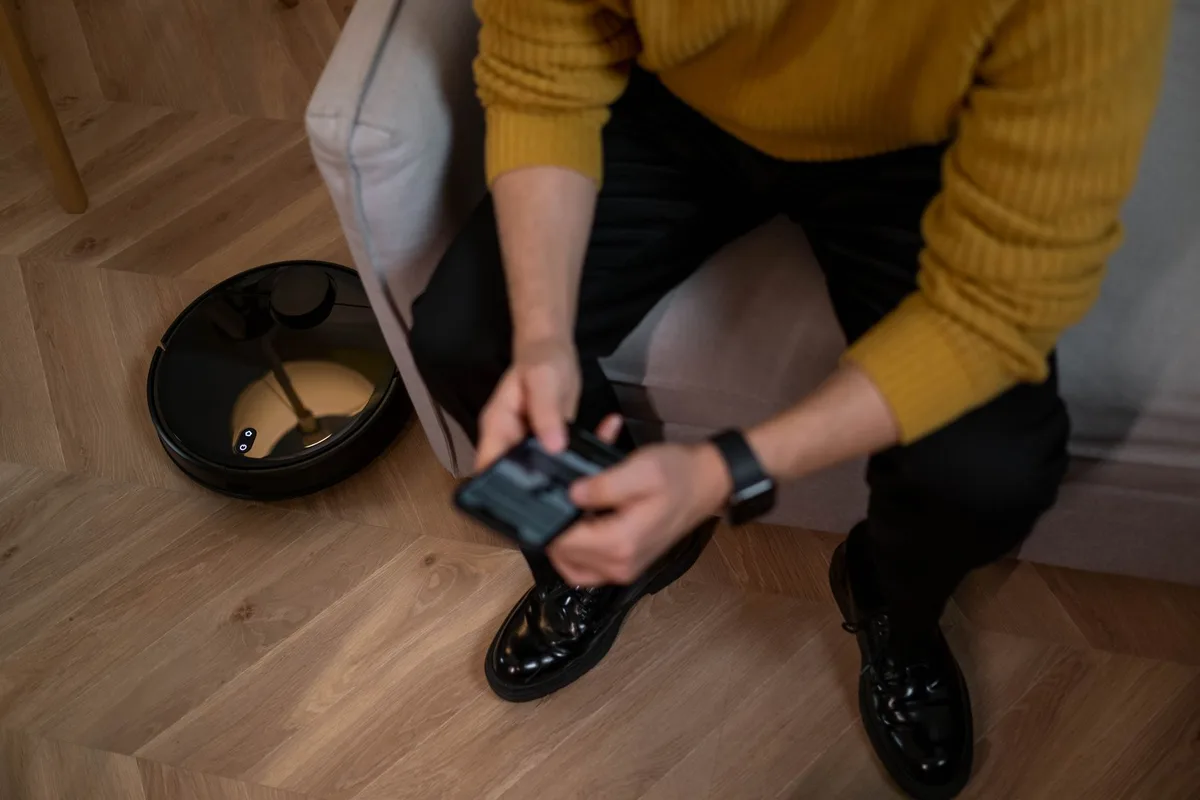
Let’s talk about what actually works when your robot vacuum has never seen a router.
Manual start and stop. Every robot vacuum on the market, regardless of price, has a physical button. Press it and the vacuum starts cleaning. Press it again and it stops.
This is the most basic function, and it never requires a connection.
Physical remote control. Hybrid and offline models ship with an infrared remote. These remotes work the same way your TV remote does. Point, press, and the vacuum responds.
You can start, stop, return to dock, and adjust suction power. Some remotes even let you set a basic cleaning schedule.
Scheduled cleaning via remote. If your model stores schedules locally, you can set a daily or weekly cleaning time without any app. The vacuum saves the schedule in its onboard memory. It wakes up at the set time, cleans, and returns to the dock.
This works indefinitely without internet.
Random and gyroscopic navigation. Budget vacuums use simple sensors to navigate. Gyroscopic models track their position using rotation sensors, which gives them a more organised cleaning pattern than pure random models. Both work entirely offline.
Edge and corner cleaning. Most vacuums enter edge-cleaning mode automatically or via a remote button. The sensor detects a wall, follows it, and sweeps debris from baseboards and corners.
Auto-recharge and resume. When the battery gets low, the vacuum finds its dock and recharges. Some models resume cleaning after charging. This is a local function, just like on a regular robot lawnmower or a self-emptying air purifier.
No cloud connection needed.
Features You’ll Lose Without Wi-Fi
This is where things get interesting. The gap between connected and offline robot vacuums is substantial.
Real-time mapping and saved floor plans. This is the big one. Wi-Fi-connected vacuums with LiDAR or camera navigation build a detailed map of your home. They store that map in the app.
Without Wi-Fi, you can’t see the map, edit it, or save it. Some models with onboard mapping will still use the map for efficient cleaning, but you lose the visual display and the ability to adjust it.
No-go zones and virtual walls. These are digital barriers you draw on your phone. You tell the vacuum which rooms to skip or which areas to avoid. Without the app, those boundaries don’t exist.
Some hybrid models have physical magnetic strips you can lay down, but most modern vacuums rely on app-based barriers.
Voice assistant integration. Alexa, Google Assistant, and Siri all control robot vacuums through cloud-based skills. If the vacuum isn’t connected to Wi-Fi, voice commands do nothing. This matters a lot if your whole home runs on smart assistants.
Remote monitoring and start-from-anywhere. Want to start your vacuum while you’re at work? That requires a Wi-Fi connection. The vacuum connects to the cloud, and your phone connects to the same cloud.
Without internet, the vacuum is unreachable outside your home.
Firmware updates. Manufacturers push updates that fix bugs, improve navigation, and occasionally add new features. These updates download over Wi-Fi. An offline vacuum stays frozen at its factory firmware version.
In aggregate reviews, users report that firmware updates have significantly improved battery mapping and obstacle detection on popular models like the Roomba j7 series.
App-based scheduling with room-specific cleaning. You can tell a connected vacuum to clean only the kitchen every Tuesday. Offline, you’re limited to whole-home cleaning or whatever schedule the remote supports.
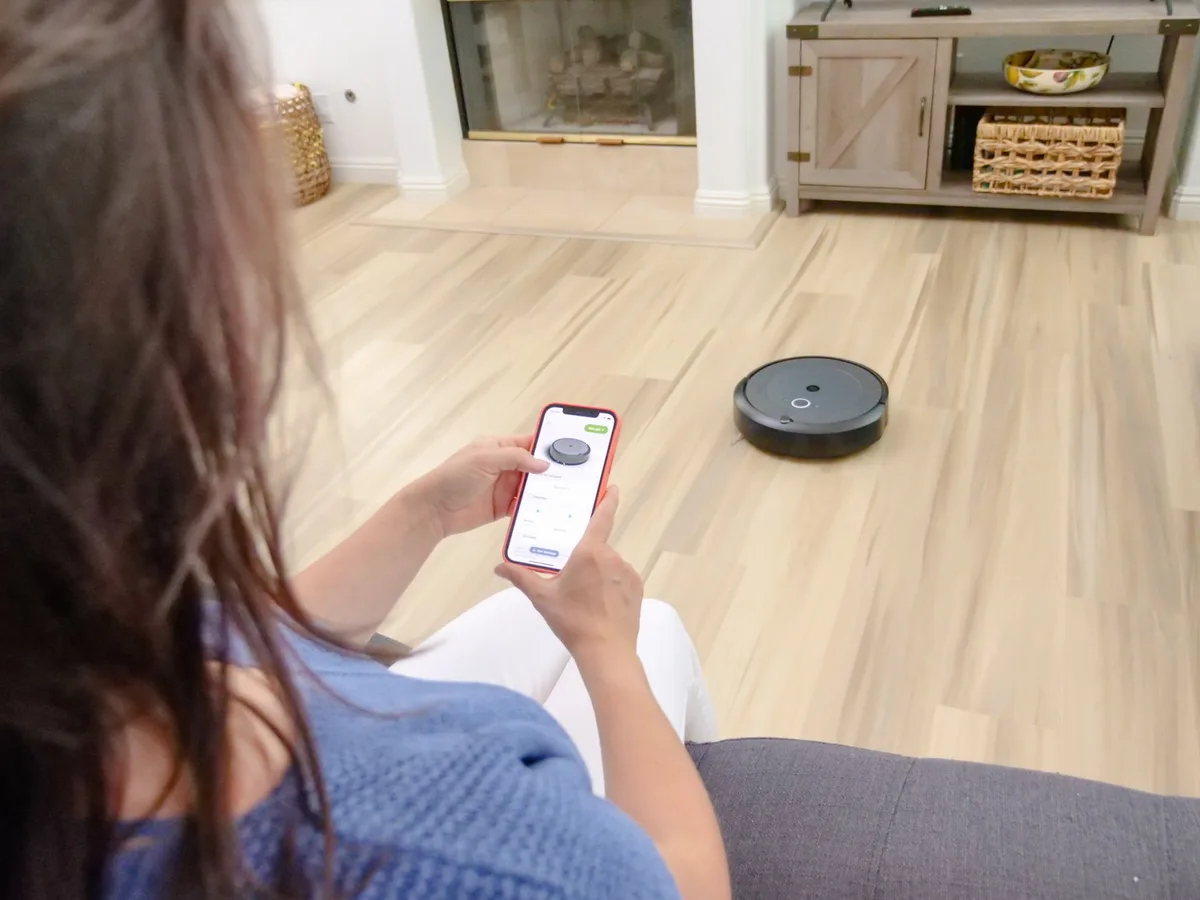
Multi-floor mapping. If you have a two-story home, the vacuum needs to remember a separate map for each floor. That capability lives in the app. Some vacuums can store multiple maps locally, but switching between them usually requires the connected app.
Self-emptying dock notifications. Vacuums with self-emptying bases alert you when the dustbin bag is full. Through the app, you also get cleaning history, error alerts, and maintenance reminders. Offline, you rely on indicator lights on the device itself.


Similar Posts















[…] resetting a Shark robot vacuum restores the machine to its original settings. It wipes Wi‑Fi credentials, map data, and any custom […]