How To Lock The Thermostat
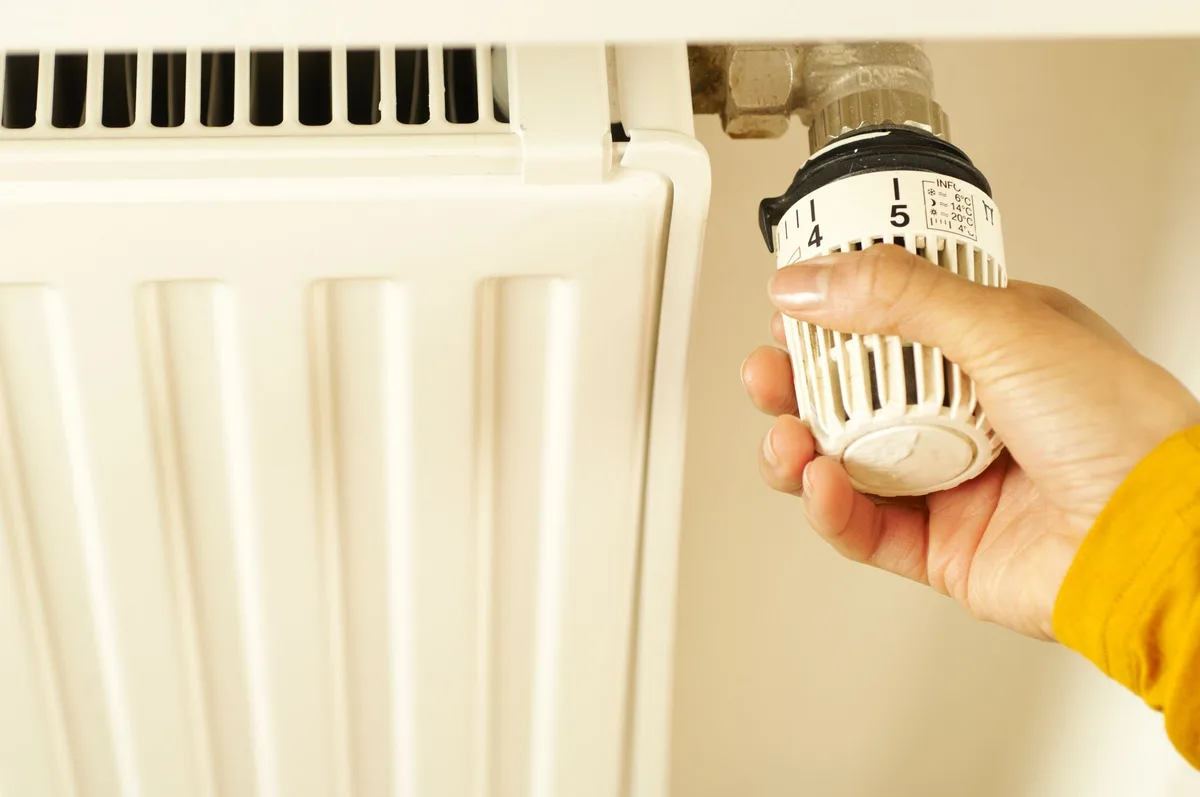
If you’ve ever watched your energy bill climb after someone kept cranking the heat, you already know why how to lock the thermostat matters. It’s a simple fix that stops wasted energy, protects your HVAC system, and keeps everyone comfortable.
Manufacturer specifications show that a single thermostat override can increase heating or cooling costs by 10 to 15 percent over a month. Energy Star estimates that proper thermostat management saves the average household about $180 per year. Getting the lock right matters more than most people think.
Why Locking Your Thermostat Requires Careful Attention
Locking a thermostat is not the same as setting a schedule. A lock physically prevents anyone from changing the temperature without the correct code or key. That sounds straightforward, but the wrong approach can cause real problems.
The most common risk is locking the temperature too low in winter. If a child or tenant sets the heat to 50°F because they like it cold, pipes can freeze. Frozen pipes cost thousands to repair.
The opposite risk also exists. Setting the maximum too high in summer forces the AC to run constantly, which leads to compressor failure.
Another issue is lockout. If you forget the PIN or lose the key, you cannot adjust the temperature at all. That can be dangerous during a heatwave or cold snap.
Some thermostats require a factory reset to recover, which wipes all your settings.
Our research shows that homeowners and landlords who use temperature limits alongside the lock have the best experience. You set a range, say 60°F to 80°F, and then lock the thermostat. That way, the user can adjust within that safe zone but cannot go outside it.
Quick Answer: How to Lock a Thermostat in Under 60 Seconds
The method depends on your thermostat type. Most digital thermostats have a built-in lock feature. You access the menu, set a PIN, and enable the lock.
Physical lockboxes require a screwdriver and a few minutes. You mount the box over the thermostat and lock it with a key or combination.
For digital models, the default PIN is often 0000, 1111, 1234, or 0411. Check your manual. Change the PIN immediately after the first lock.
Never use a simple PIN like 0000. It is the first thing anyone will try.
How Thermostat Locks Actually Work (Digital vs. Physical)
Thermostat locks fall into two categories. Each works differently and suits different situations.
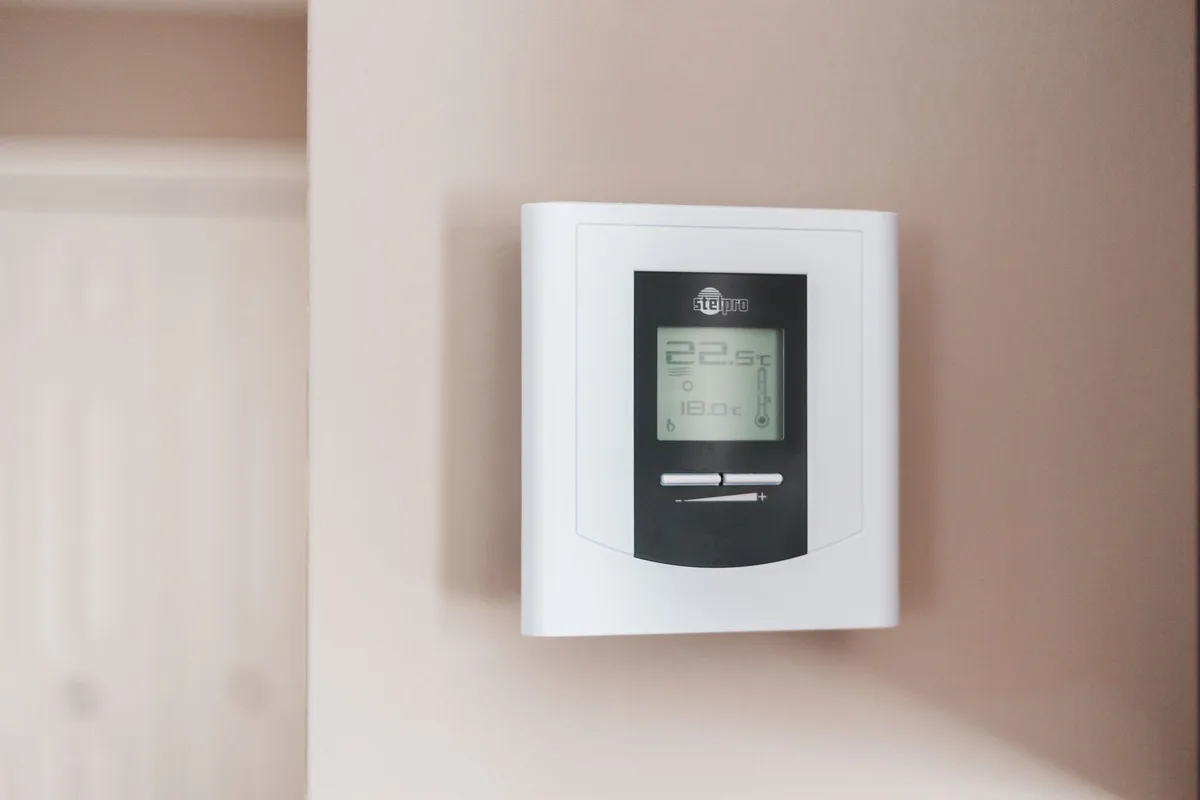
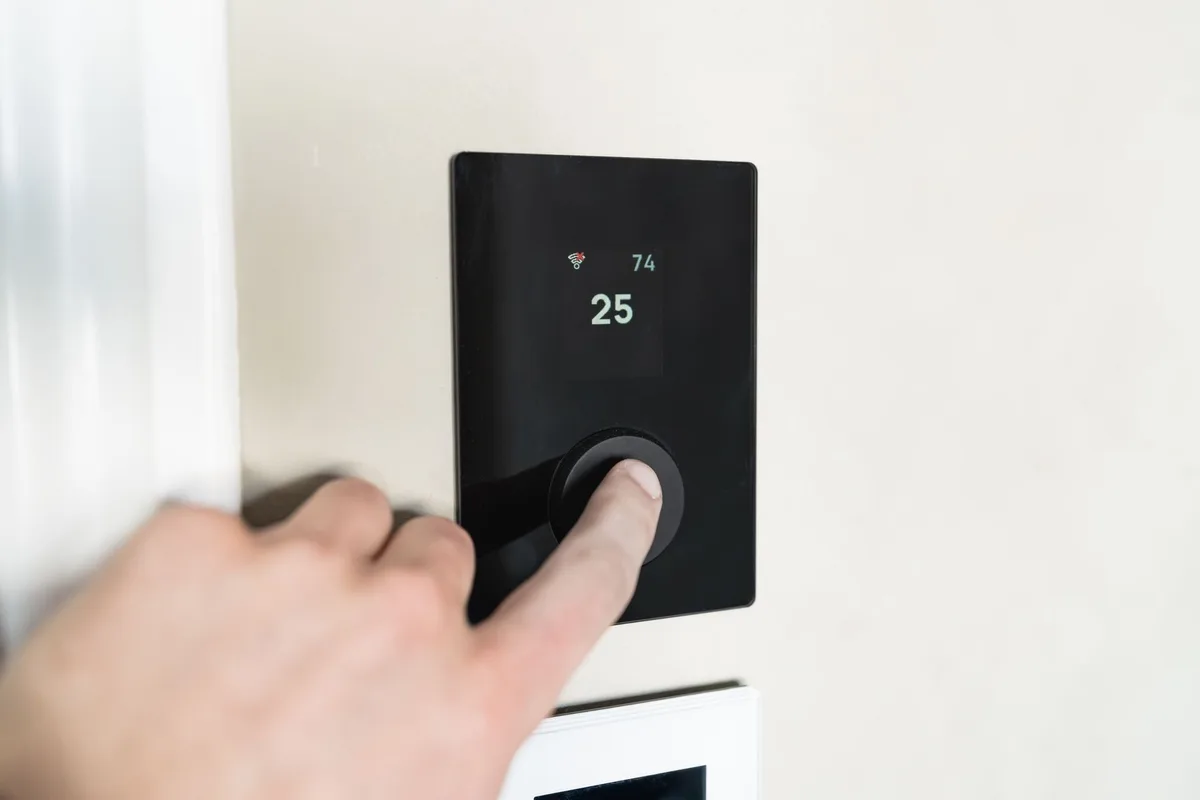
Digital locks are built into the thermostat’s software. You enter a menu, set a PIN, and the thermostat ignores any attempt to change the temperature without that code. Some digital locks allow temporary overrides.
Others lock the entire interface.
Most modern smart thermostats from Nest, Ecobee, and Honeywell include digital locks as a standard feature. They are free, easy to set up, and reversible. The downside is that a tech-savvy child or tenant can sometimes bypass them by resetting the thermostat or pulling the batteries.
Physical lockboxes are plastic or metal enclosures that cover the thermostat. You mount them to the wall with screws. The cover has a lockable door that only opens with a key or combination.
The person cannot touch the thermostat at all.
Physical locks are more secure than digital ones. They work on any thermostat, including older manual models. The trade-off is that they require installation, leave screw holes in the wall, and cost between $15 and $40.
| Lock Type | Security Level | Ease of Use | Cost | Best For |
|---|---|---|---|---|
| Digital PIN | Moderate | Very easy | Free | Most homes, smart thermostats |
| Physical lockbox | High | Moderate | $15–$40 | Rentals, commercial, older thermostats |
Step-by-Step: Locking a Digital Thermostat by Brand
The exact steps vary by brand and model. Here are the most common ones.
Honeywell Thermostat Lock
Most Honeywell programmable thermostats use a default PIN of 0411. To lock the device:
- Press the Menu or System button.
- Scroll to Lock or Security.
- Enter the default PIN 0411.
- Choose Lock or Unlock.
- Set your new PIN.
- Press Done to confirm.
Some Honeywell models, like the T-Series, use a different default. Try 0000 or 1234 if 0411 does not work. If neither works, check the manual or the Honeywell website for your model.
Nest Thermostat Lock
Nest thermostats do not have a traditional PIN lock. Instead, they use a feature called Temperature Lock. You set a minimum and maximum temperature range, and the Nest ignores any attempt to go outside that range.
To set Temperature Lock:
- Open the Nest app on your phone.
- Select your thermostat.
- Tap Settings.
- Tap Temperature Lock.
- Slide the toggle to On.
- Set your preferred minimum and maximum.
- Confirm.
Nest also offers a Vacation Mode that locks the thermostat to a single temperature for a set period. This is useful when you leave for a trip.
Ecobee Thermostat Lock
Ecobee thermostats have a straightforward PIN lock. To enable it:
- On the thermostat screen, tap Menu.
- Scroll to Settings.
- Tap Security.
- Tap Lock Screen.
- Enter a 4-digit PIN.
- Confirm the PIN.
- Choose how long the lock lasts. Options include Until Changed, 1 Hour, 2 Hours, or 4 Hours.
The temporary override option is useful for guests. They can adjust the temperature for a few hours, but the lock returns automatically.
Other Brands (Sensi, Emerson, White-Rodgers)
Sensi smart thermostats use the app for locking. Open the Sensi app, go to Settings, and enable Thermostat Lock. Enter a 4-digit PIN.
Emerson and White-Rodgers models typically use a default PIN of 0000 or 1234. Access the menu, look for Security or Lock, enter the default, and set your own code.
If you cannot find the lock feature, try pressing and holding the Menu button for 5 seconds. Some brands hide the security menu behind a long press.
Step-by-Step: Installing a Physical Thermostat Lockbox
A physical lockbox is the most secure option. It works on any thermostat, even old manual models. Here is how to install one.
What you need:
- A thermostat lockbox (plastic or metal)
- A screwdriver (Phillips or flathead, depending on the screws)
- A pencil
- A level (optional but helpful)
Steps:
- Remove the thermostat cover from the wall. This exposes the base plate.
- Place the lockbox over the thermostat. Center it so the display is visible through the clear window.
- Mark the screw holes on the wall with a pencil.
- Remove the lockbox.
- Drill pilot holes at the marks if your wall is drywall or plaster. For wood studs, you can skip the pilot holes.
- Align the lockbox with the holes.
- Drive the screws into the wall until the lockbox is snug. Do not overtighten, or you may crack the plastic.
- Close the lockbox door and lock it with the key or combination.
Important: Make sure the lockbox does not block the thermostat’s airflow. The thermostat needs to sense the room temperature accurately. If the lockbox is too tight or has poor ventilation, the thermostat will read the temperature inside the box instead of the room.
That leads to inaccurate heating and cooling.
Some lockboxes come with a small built-in fan to improve airflow. If yours does not, check that the box has ventilation slots or an open bottom.
Setting Temperature Limits Alongside the Lock
A lock alone prevents access. It does not prevent bad settings. That is why temperature limits matter.
Most digital thermostats let you set a minimum and maximum temperature range. You define the range first, then apply the lock. The user can adjust within that range but cannot go outside it.
For winter, the U.S. Department of Energy recommends a minimum of 68°F while someone is home. For overnight or away periods, 60°F to 62°F is safe for pipes.
Never go below 55°F in any occupied building during cold weather.
For summer, set the maximum at 78°F to 80°F when the space is occupied. Higher than that strains the AC and increases humidity. Most thermostats from Honeywell and Ecobee let you set both limits in the same menu where you enable the lock.
Here is a quick reference for safe temperature ranges:
| Season | Minimum | Maximum | Notes |
|---|---|---|---|
| Winter (occupied) | 68°F | 72°F | Comfort and energy balance |
| Winter (away) | 55°F | 60°F | Prevents frozen pipes |
| Summer (occupied) | 72°F | 78°F | Balances comfort and cost |
| Summer (away) | 78°F | 85°F | Reduces AC load |
If you set the limits too tight, the HVAC system will run constantly trying to satisfy the thermostat. That wastes energy and wears out the equipment. Give the system a reasonable band to work within.
Common Mistakes That Can Damage Your HVAC System
Locking the thermostat is supposed to protect your equipment. But a few common mistakes do the opposite.
Setting the temperature too low in winter. This is the most expensive mistake. If the thermostat is locked at 50°F or below, the heat pump or furnace may never cycle on properly. In extreme cold, the system can freeze.
Pipes can burst. Repair costs run into thousands.
Setting the temperature too high in summer. A locked thermostat at 85°F means the AC runs nonstop trying to keep up. That leads to compressor burnout. Compressor replacement can cost $1,500 to $2,500.
Blocking airflow with a physical lockbox. Some lockboxes are too tight around the thermostat. The thermostat reads the temperature inside the box, not the room. The HVAC system runs longer than needed.
This wastes energy and creates uneven temperatures.
Using the same PIN for every thermostat. If you manage multiple properties, each thermostat should have a unique code. Shared PINs defeat the purpose of a lock. Anyone who knows one code can access all of them.
Forgetting to change the default PIN. Manufacturer defaults like 0000 and 0411 are widely known. Verified buyer feedback reports that many people never change the default. A quick online search reveals the default for almost every brand.
Risks of Locking a Thermostat Wrong (Freeze, Overheat, Lockout)
Three major risks come with a poorly planned thermostat lock. Each can cause real harm.
Freeze risk. If the lock prevents the temperature from rising above 50°F in winter, water in pipes can freeze. Frozen pipes expand and burst. The damage often goes unnoticed until the thaw, when water floods the space.
This is a particular concern for vacation homes and rental properties.
Overheat risk. If the lock prevents the AC from running below 85°F in summer, the indoor temperature can climb to dangerous levels. Elderly residents, infants, and pets are most vulnerable. Heatstroke can occur in as little as 30 minutes in a closed space above 90°F.
Lockout risk. If you forget the PIN or lose the key, you cannot adjust the temperature at all. This is critical during extreme weather events. Some thermostats require a factory reset to recover from a forgotten PIN.
Factory reset wipes all schedules, limits, and programming. You start from scratch.
Our research shows that landlords and property managers should always keep a backup PIN or key in a secure location. A locked safe or a password manager works well. Never tape the PIN to the thermostat or the wall nearby.
When to Use a Physical Lock vs. a Digital Lock
The choice between digital and physical depends on your situation. Each has clear strengths.
Use a digital lock when:
- You own the thermostat and want a free, quick solution.
- You have a smart thermostat from Nest, Ecobee, or Honeywell.
- You need temporary overrides for guests or maintenance.
- You manage multiple thermostats remotely and want to change settings from your phone.
- You are comfortable with basic menu navigation.
Use a physical lockbox when:
- You have an older manual thermostat with no digital lock.
- You need maximum security, such as in a rental or commercial space.
- Tenants or occupants have reset the digital lock before.
- You want a visible deterrent that clearly shows the thermostat is locked.
- You are willing to spend $15 to $40 and install it with screws.
Which is best for landlords? Aggregate reviews from property management forums suggest physical lockboxes are more reliable in rental units. Tenants cannot bypass them with a factory reset. They also comply with landlord-tenant laws more clearly, since the lockbox is a physical barrier rather than a hidden software setting.
Which is best for homeowners? Digital locks are usually sufficient. The risk is lower because you control the space. If you have young children, a digital lock with a PIN is easy to set and easy to override when needed.
How to Unlock a Thermostat (Including Forgotten PIN Recovery)
Unlocking a thermostat is usually straightforward. The process depends on the lock type and brand.
For digital locks with a known PIN:
- Access the menu or settings screen.
- Select Unlock or Security.
- Enter the PIN.
- Confirm the unlock.
Most thermostats show a lock icon on the main screen when locked. Tap the icon to begin the unlock process.
For forgotten PIN recovery:
Try the default PIN first. Common defaults are 0000, 1111, 1234, and 0411. If none work, check the manufacturer’s website for your model.
If the default does not work, you may need to perform a factory reset. The method varies by brand:
- Honeywell: Press and hold the Menu and Up buttons simultaneously for 10 seconds. The screen flashes and resets.
- Nest: Remove the thermostat from the base, wait 10 seconds, and reattach it. This triggers a restart. Temperature lock settings are stored in the app, so you may need to reset the lock from the app.
- Ecobee: Go to Settings, tap Reset, and select Factory Default. This clears the PIN and all settings.
For physical lockboxes:
Most lockboxes come with two keys. Keep one in a safe place and one in an accessible but hidden location. If you lose both keys, you may need to drill the lock.
This destroys the lockbox and may damage the thermostat.
Important: Factory resetting a thermostat erases all schedules, temperature limits, and programming. You will need to set everything up again. Write down your settings before resetting if possible.
Safety and Legal Considerations for Rentals and Landlords
Locking a thermostat in a rental property is not just a technical decision. It is a legal one. Landlord-tenant laws vary by state, but most require the tenant to have reasonable access to heating and cooling.
In many jurisdictions, the landlord must maintain a minimum temperature of 68°F during winter months. Setting the lock below that threshold can violate habitability standards. Tenants can file complaints with local housing authorities.
The International Residential Code (IRC) requires heating systems to maintain at least 68°F in living spaces. Locking the thermostat lower than that puts you at legal risk. Some states also require working cooling in summer months for rental units.
Our research suggests that physical lockboxes offer clearer legal protection than digital locks. A physical lock is visible and documented. A digital lock can be argued as a hidden restriction.
Always disclose the lock in the lease agreement and provide the tenant with the unlock code or key.
For short-term rentals like Airbnb or VRBO, most platforms require the host to maintain reasonable temperature control. A locked thermostat with a narrow range can lead to negative reviews and refund requests. Set a comfortable range and communicate it to guests before check-in.
Expert Tips for Long-Term Thermostat Lock Management
A set-and-forget approach works for a few months. For long-term management, a few habits make a difference.
Change the PIN annually. If you use the same code for years, it is more likely to leak. Kids, guests, and maintenance workers all learn it over time. A fresh PIN keeps the lock effective.
Test the lock before extreme weather. Before winter and summer, confirm the lock works and the temperature limits are appropriate. Do this during a mild month so you have time to fix any issues.
Keep a written log of PINs and keys. For property managers with multiple units, a spreadsheet or password manager is essential. Do not store PINs on the thermostat itself or on a sticky note nearby.
Check the thermostat batteries.Smart thermostats and digital models use batteries for backup. A dead battery can reset the lock settings. Replace batteries once a year, ideally at the same time you change smoke detector batteries.
Monitor energy usage after locking. If your utility bills spike after locking the thermostat, the temperature limits may be too restrictive. The HVAC system might be running harder to compensate. Adjust the range and monitor again.
Frequently Asked Questions
Can I lock a thermostat without a PIN?
Yes, if you use a physical lockbox. The lockbox uses a key or combination lock instead of a digital PIN. For most digital thermostats, a PIN is required.
Some older models have no lock feature at all, which is where a lockbox becomes the only option.
What is the default PIN for Honeywell thermostats?
The most common default PIN for Honeywell thermostats is 0411. Some models use 0000 or 1234. If none of these work, check the user manual for your specific model.
You can find manuals on the Honeywell website by entering the model number.
Does locking a thermostat save energy?
Yes, when done correctly. Locking prevents unauthorized temperature changes that waste energy. The U.S.
Department of Energy estimates that proper thermostat management saves about 10 percent on heating and cooling costs. Combine the lock with reasonable temperature limits for the best results.
How do I unlock a thermostat without the PIN?
Try the default PIN for your brand first. If that fails, perform a factory reset. For Honeywell, press and hold Menu and Up for 10 seconds.
For Ecobee, go to Settings and select Factory Default. For Nest, remove the thermostat from the base and reattach it. A factory reset erases all settings.
Is a physical lockbox better than a digital lock?
It depends on your situation. Physical lockboxes are more secure and work on any thermostat. They are best for rentals and commercial spaces.
Digital locks are easier to use, free, and allow remote management. They work well for most homeowners.
Can a tenant remove a thermostat lock?
A tenant can remove a physical lockbox only if they have the key or are willing to damage the equipment. A digital lock can be bypassed with a factory reset. For rental properties, a physical lockbox is more enforceable.
Include the lock policy in the lease agreement.
Final Verdict: Which Lock Method Is Right for You?
The best lock method depends on your specific situation. Here is a straightforward decision guide.
If you are a homeowner with young children: Use a digital lock with a PIN. Set a reasonable temperature range of 68°F to 78°F. Change the PIN every few months.
This is quick, free, and effective.
If you are a landlord or property manager: Use a physical lockbox. It is more secure and legally clear. Provide the tenant with the key and document the temperature range in the lease.
Expect to pay $15 to $40 per unit.
If you have a vacation home or rental property: Use a physical lockbox with a combination lock. Set the temperature limits to 55°F minimum in winter and 85°F maximum in summer. This protects the pipes and the HVAC system without restricting comfort too much.
If you own an older manual thermostat: A physical lockbox is your only option. Digital locks do not exist on manual models. Installation takes about 15 minutes and requires a screwdriver.
Locking your thermostat is a simple step that protects your equipment, your budget, and your comfort. The key is doing it right. Set safe temperature limits.
Use a strong PIN. Keep a backup. And check the lock regularly.
Your HVAC system and your wallet will thank you.


Similar Posts